
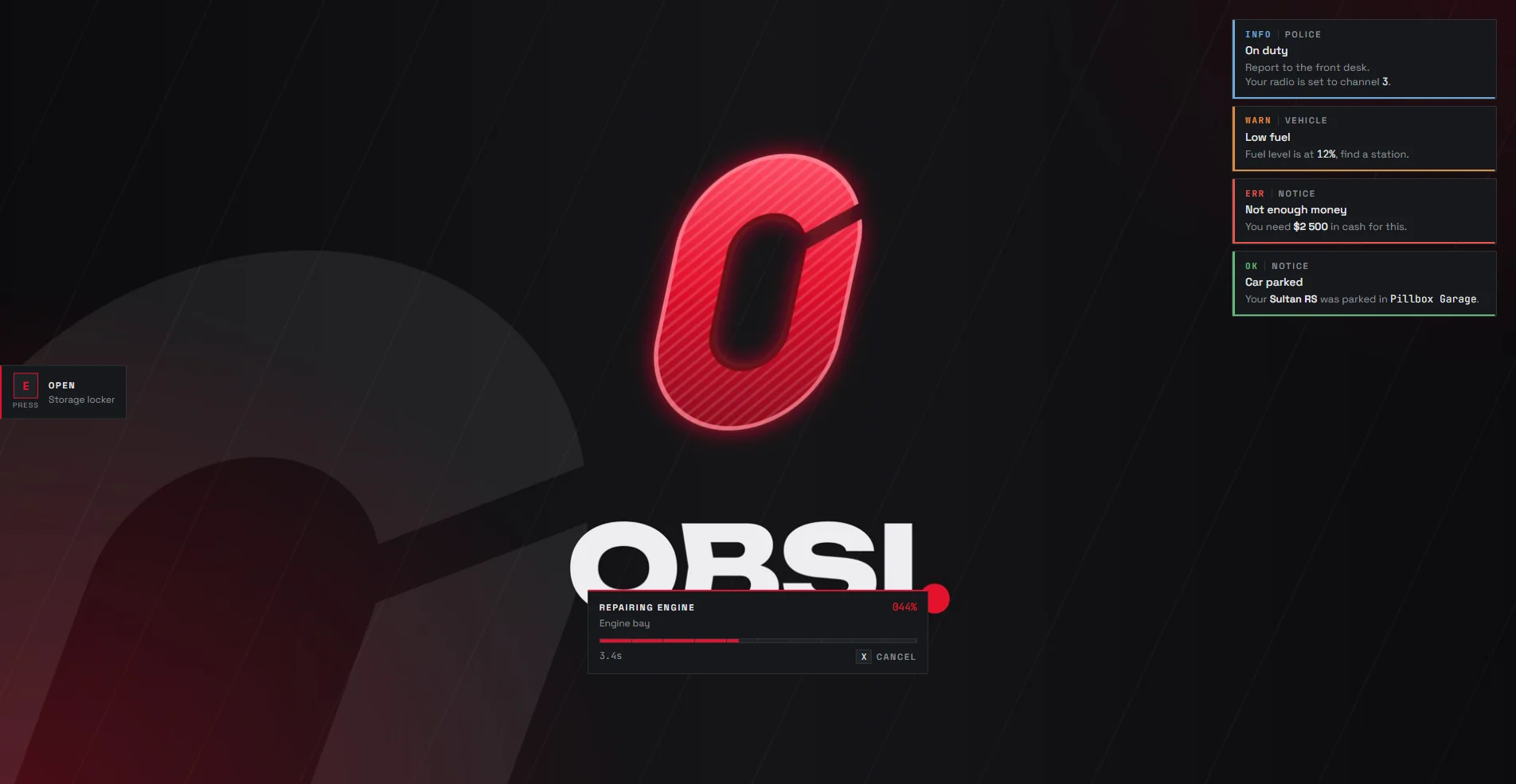
Obsi Lib ships its own interface in the Obsi look: notifications, a progress bar, a text UI and a big centred banner.
All of them follow the accent colour from ObsiConfig.UI.Accent.
Notifications
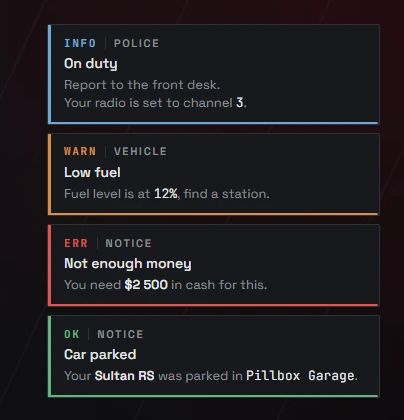
ObsiLib.notify({ title = 'Shop', description = 'Not enough money.', type = 'error' })| Field | Meaning |
|---|---|
title | Bold first line |
description | Body; supports **bold**, `mono` and line breaks |
type | success, error, warning or info |
duration | Milliseconds; ObsiConfig.UI.Notify.Duration when omitted |
tag | Small label next to the type, such as Police |
position | Overrides ObsiConfig.UI.Notify.Position |
Sending the same notification again (same type, title and description) while it is on screen bumps a counter on it and restarts its timer, instead of stacking a copy.
To use another notification system, set ObsiConfig.Notify to esx, qb, ox or custom.
Progress bar
Blocking; returns true when it finished, and false when it was cancelled or could not start (another progress bar is running, or the player is dead unless allowDead = true).
if ObsiLib.ui.progress({
    label = 'Repairing', description = 'Engine bay', duration = 7500, cancelable = true,
    anim = { dict = 'mini@repair', clip = 'fixing_a_player' },
    prop = { model = 'prop_tool_wrench', bone = 57005, pos = vec3(0.1, 0.0, 0.0), rot = vec3(0.0, 0.0, 0.0) },
    disable = { move = true, car = true, combat = true },
}) then
    TriggerServerEvent('my_script:repaired')
end

ObsiLib.ui.cancelProgress()
ObsiLib.ui.progressActive()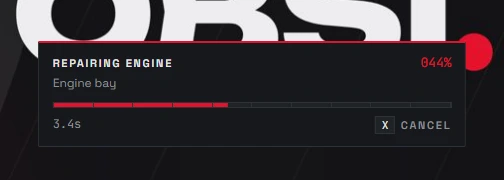
| Option | Meaning |
|---|---|
anim | { dict, clip }, or { scenario = 'WORLD_HUMAN_WELDING' } |
prop | One prop, or a list of props |
disable | Groups to block: move, sprint, car, combat, mouse |
disable.keys | Single keys to block, such as { 'E', 'F' } |
cancelable | Players cancel with X (ObsiConfig.UI.Progress.CancelKey) |
Text UI
ObsiLib.ui.showText({ key = 'E', label = 'Open', description = 'Storage locker' })
ObsiLib.ui.hideText()
ObsiLib.ui.textOpen()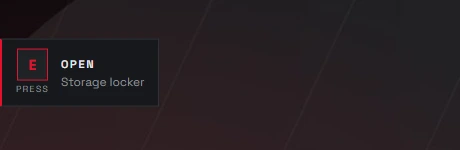
The position comes from ObsiConfig.UI.TextUI.Position: left, right, top or bottom.
Banner
A big centred message, like the game's own "WASTED" screen:
ObsiLib.ui.banner({ title = 'WASTED', description = 'You were knocked out', duration = 4000 })Accent colour
Change the accent at runtime:
ObsiLib.ui.setAccent('#5fb878')