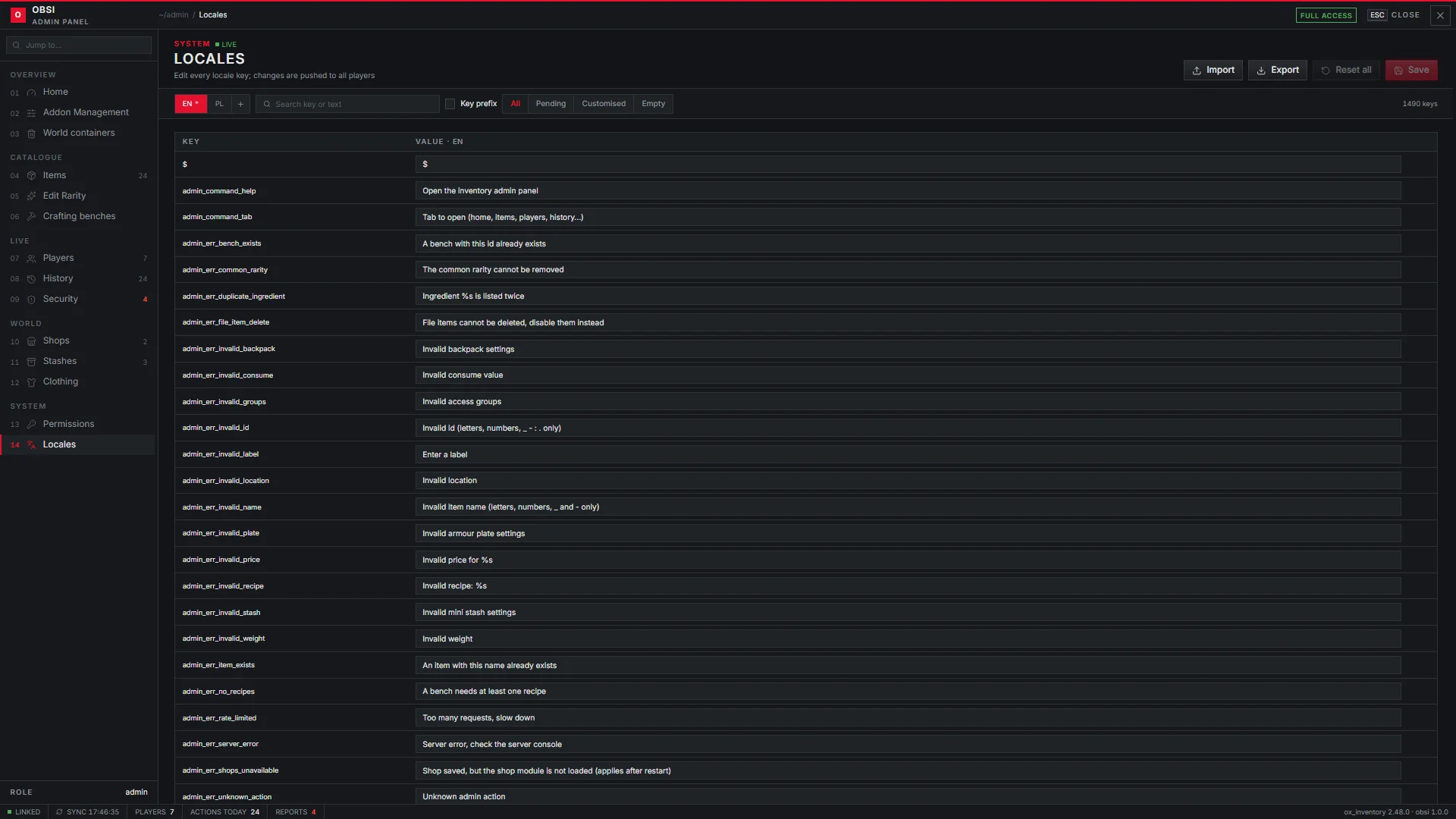
The admin panel is a tab inside the inventory for staff. It manages items, rarities, players, history, security, shops, stashes, crafting benches, clothing and translations, and every change applies live, without a restart.
Opening it
- Type
/invadmin, or/invadmin <page>to jump straight to a page. - Or open the inventory and pick the ADMIN PANEL tab; staff are the only ones who see it.
- Optionally bind a key with
admin.keyindata/obsi/admin.lua, for example'F10'.
Who sees which page is set on the Permissions page.
Pages
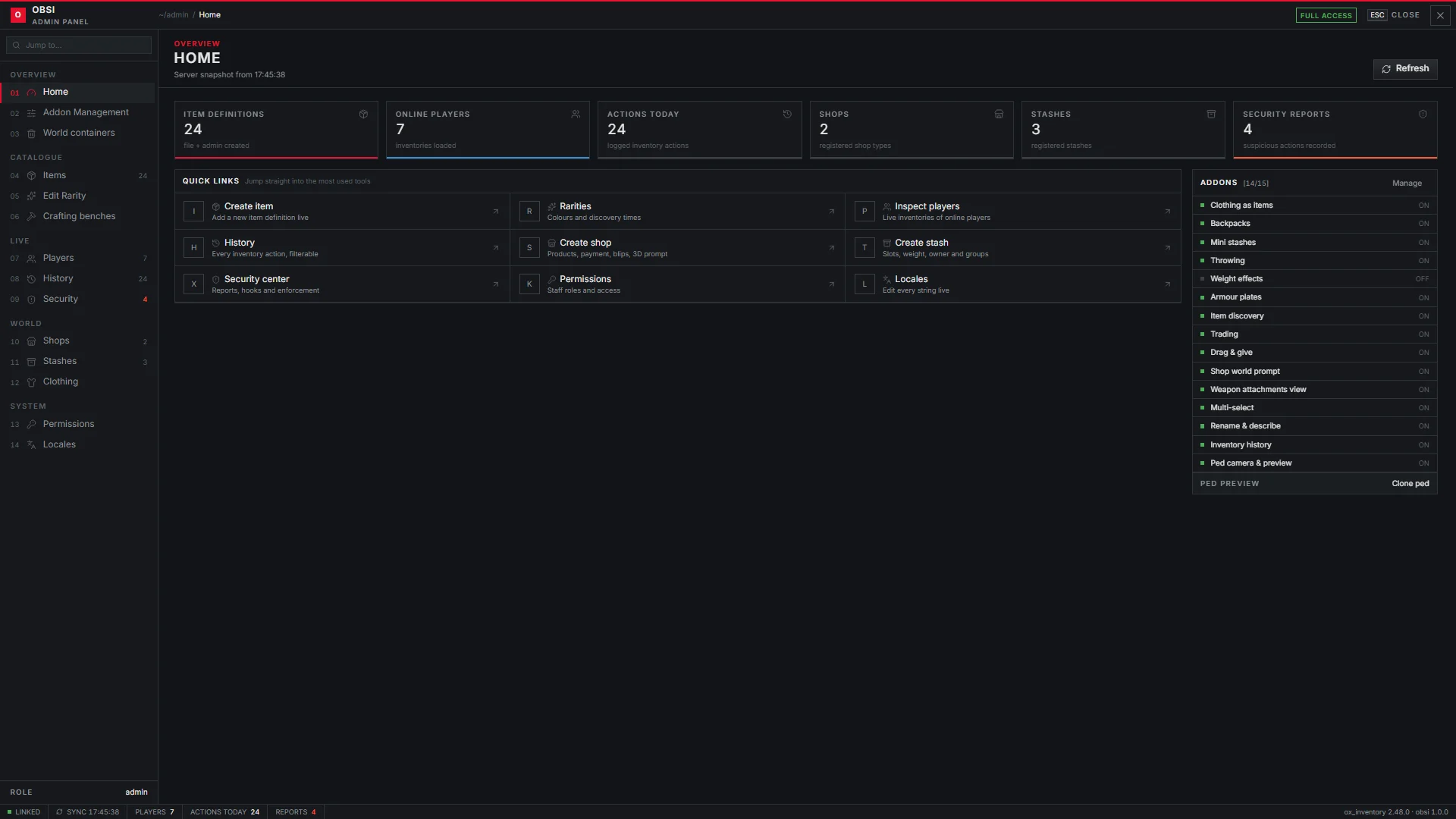
Home
Server snapshot (item definitions, online players, actions today, shops, stashes, security reports), quick links and the addon switches.
Addons
Switch features on and off for the whole server, live.
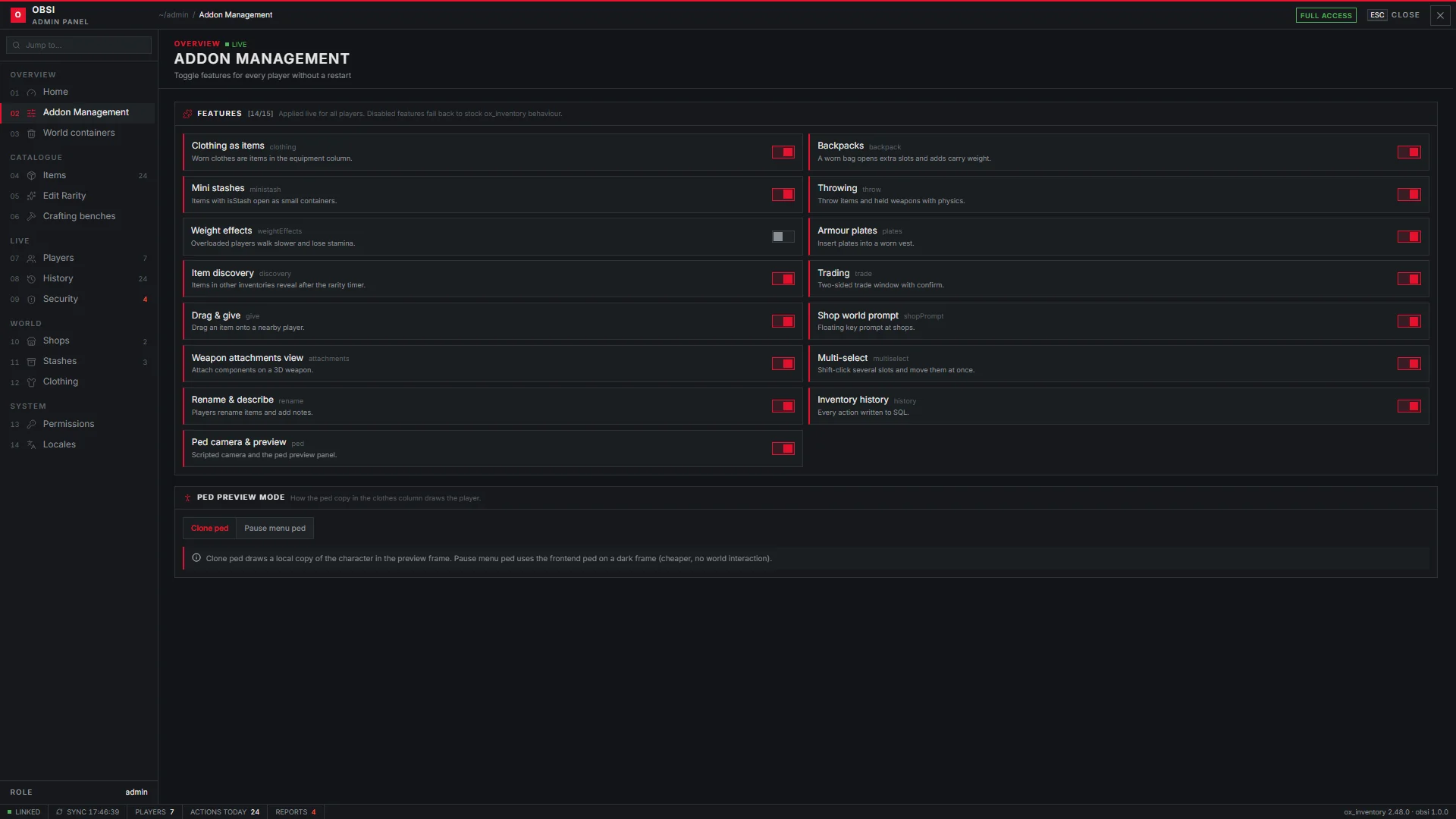
| Addon | What it controls |
|---|---|
| Clothing as items | Worn clothes as items in the clothes column |
| Backpacks | Worn bags open extra slots and add weight |
| Mini stashes | Items with isStash open as small containers |
| Throwing | Throwing items and held weapons |
| Weight effects | Slower movement, stamina drain and sweating when overloaded |
| Armour plates | Plates in a worn plate carrier |
| Item discovery | Foreign inventories reveal items by rarity |
| Trading | The two-sided trade window |
| Drag & give | Drop an item on a nearby player |
| Shop world prompt | The floating shop card |
| Weapon attachments view | The 3D attachments view |
| Multi-select | Shift-click several slots |
| Rename & describe | Player names and descriptions for items |
| Inventory history | Logging every inventory action |
| Ped camera & preview | The camera and the character copy in the clothes column |
The same page sets the Ped preview mode: clone (a copy of the player drawn in the clothes column) or pause (the pause-menu character).
Items
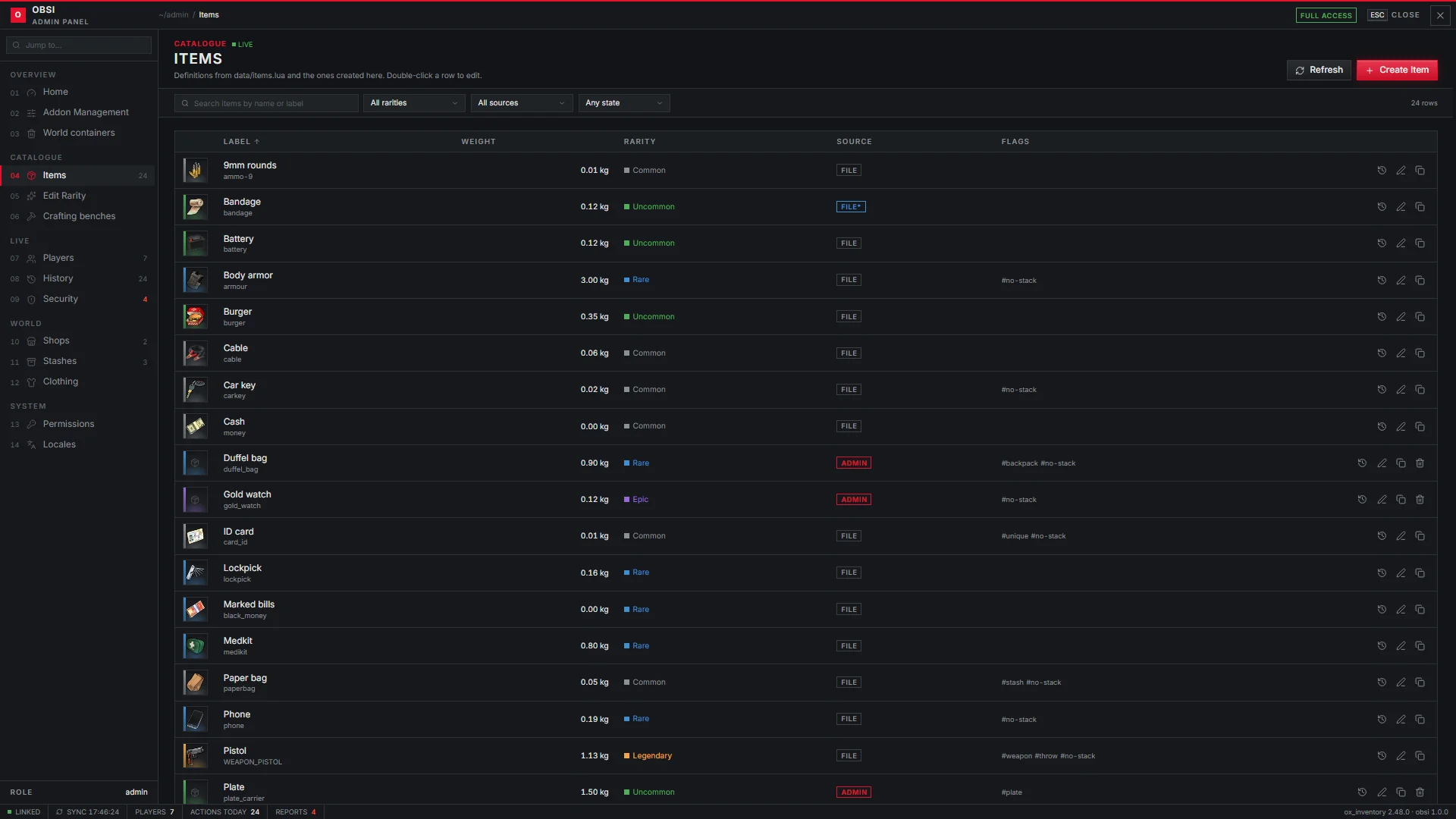
Every item definition, from data/items.lua and created in the panel.
Filter by rarity and source, and open an item to edit it.
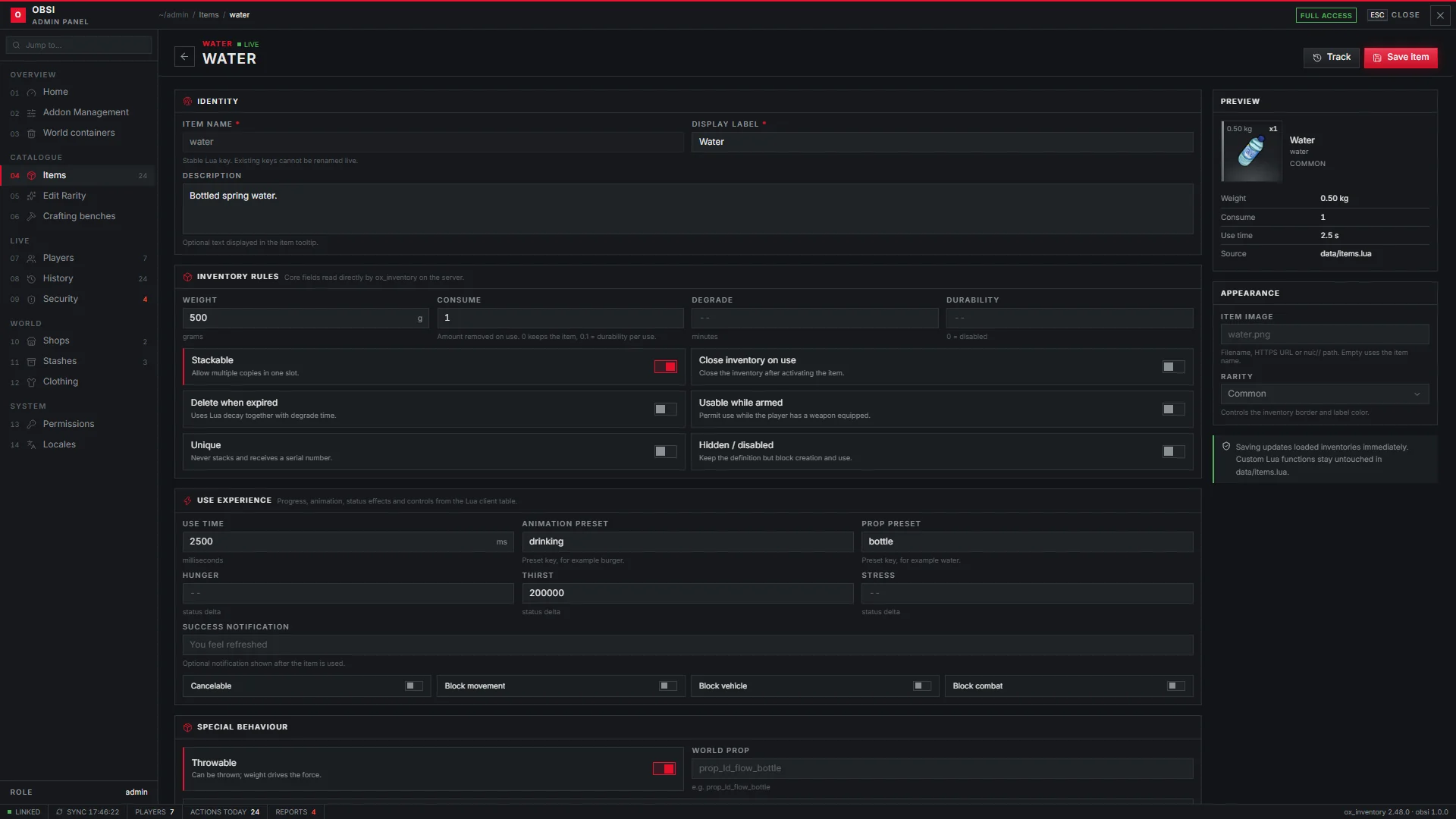
The item editor covers identity, image, inventory rules (weight, stacking, durability, unique, close on use), use settings (time, animation, prop, status effects), rarity and throwing, with a live preview of the slot.
Edit Rarity
Names, colours and discovery times of each rarity. See Items and rarity.
Crafting benches
Create benches and edit their recipes, ingredients, times and locations.
Players
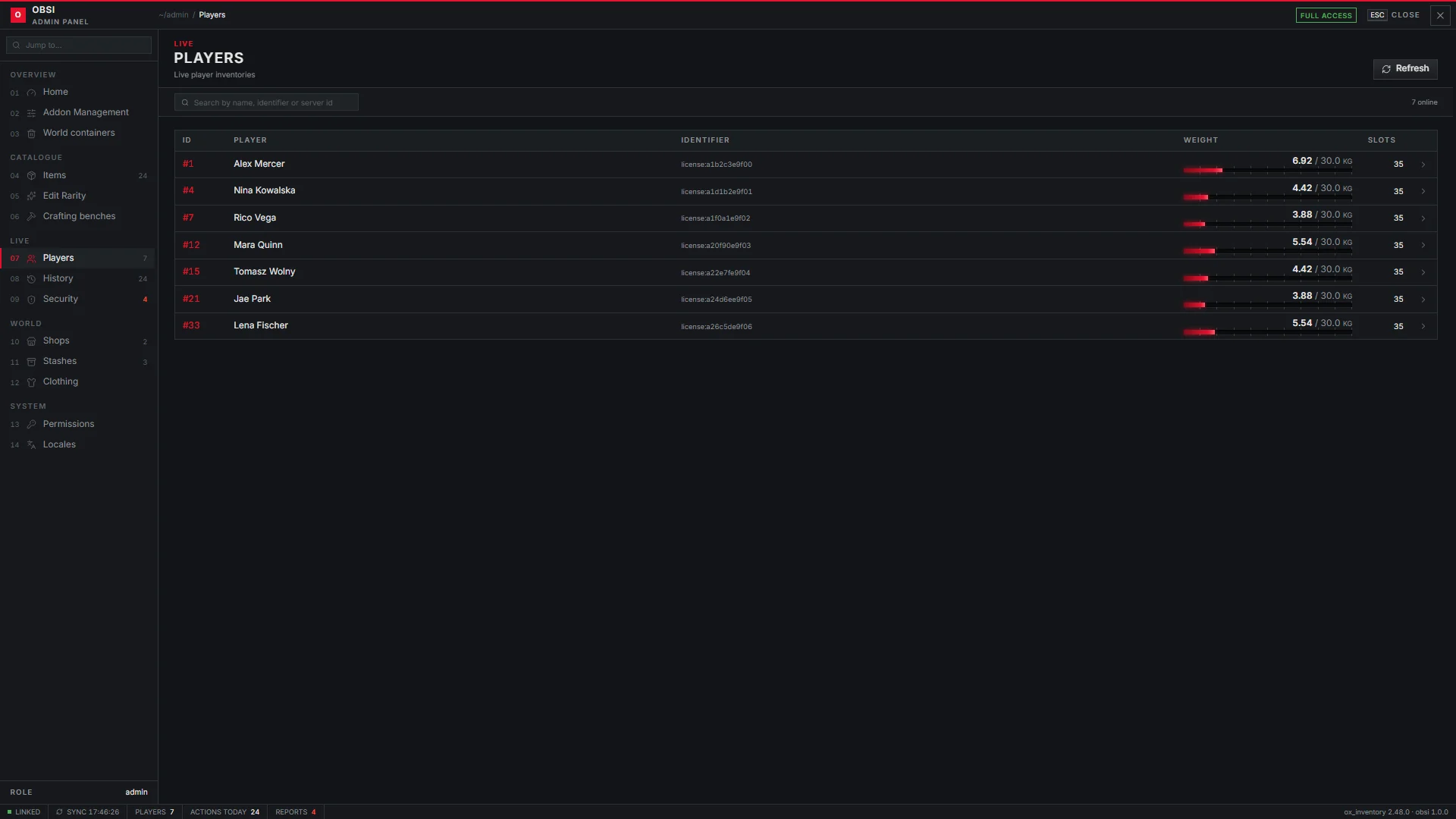
Every online player with their weight and slots. Open a player to see their live inventory, then edit, give or remove items.
History
Every inventory action, filterable by player, action, item and time range. Track item follows one item, or one serial number, through every hand it passed.
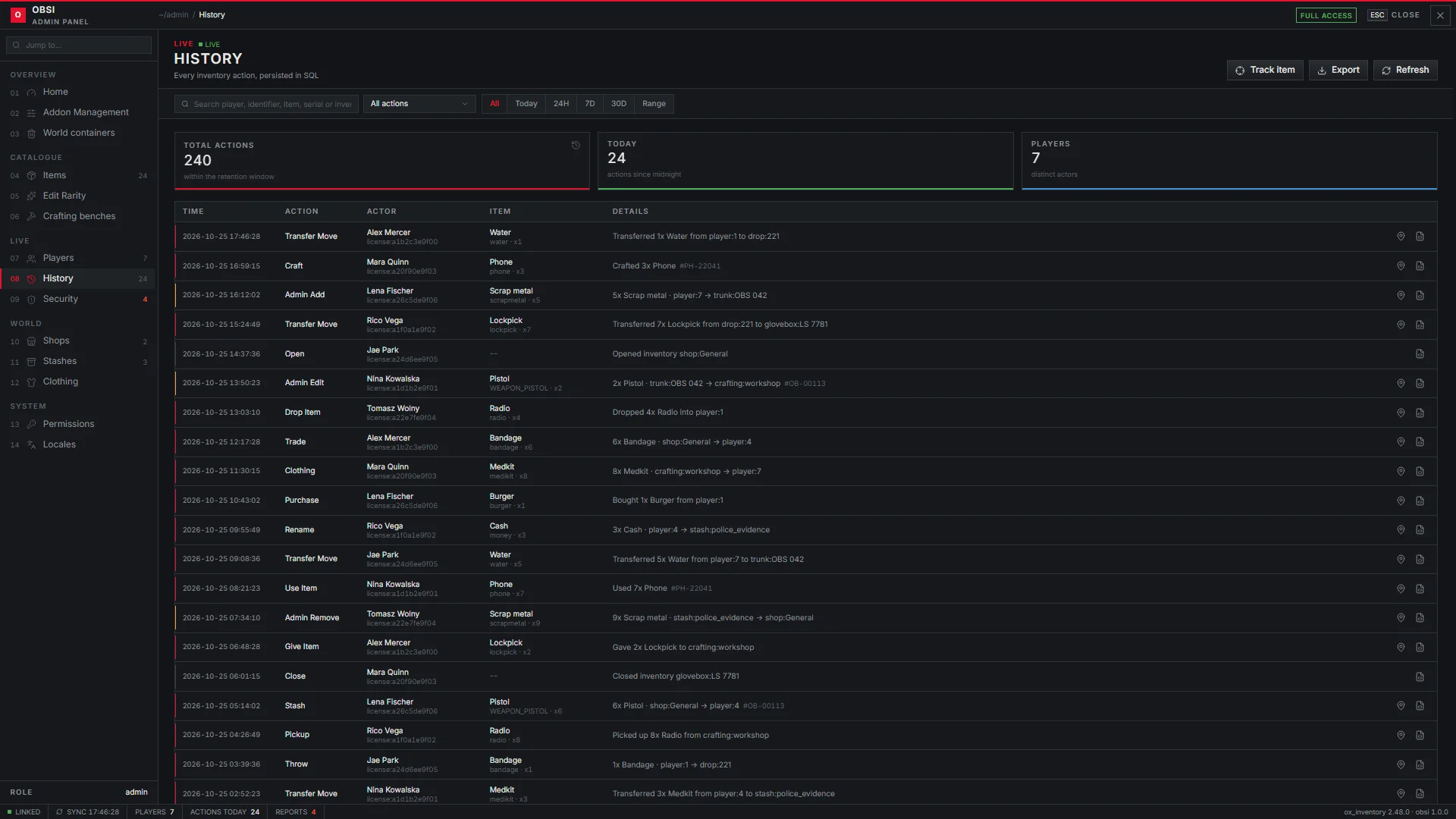
Logged actions include opening and closing, moves, gives, drops, pickups, purchases, crafting, trades, throws, renames, clothing changes and every admin edit.
Rows older than history.retentionDays (30 days) are deleted automatically.
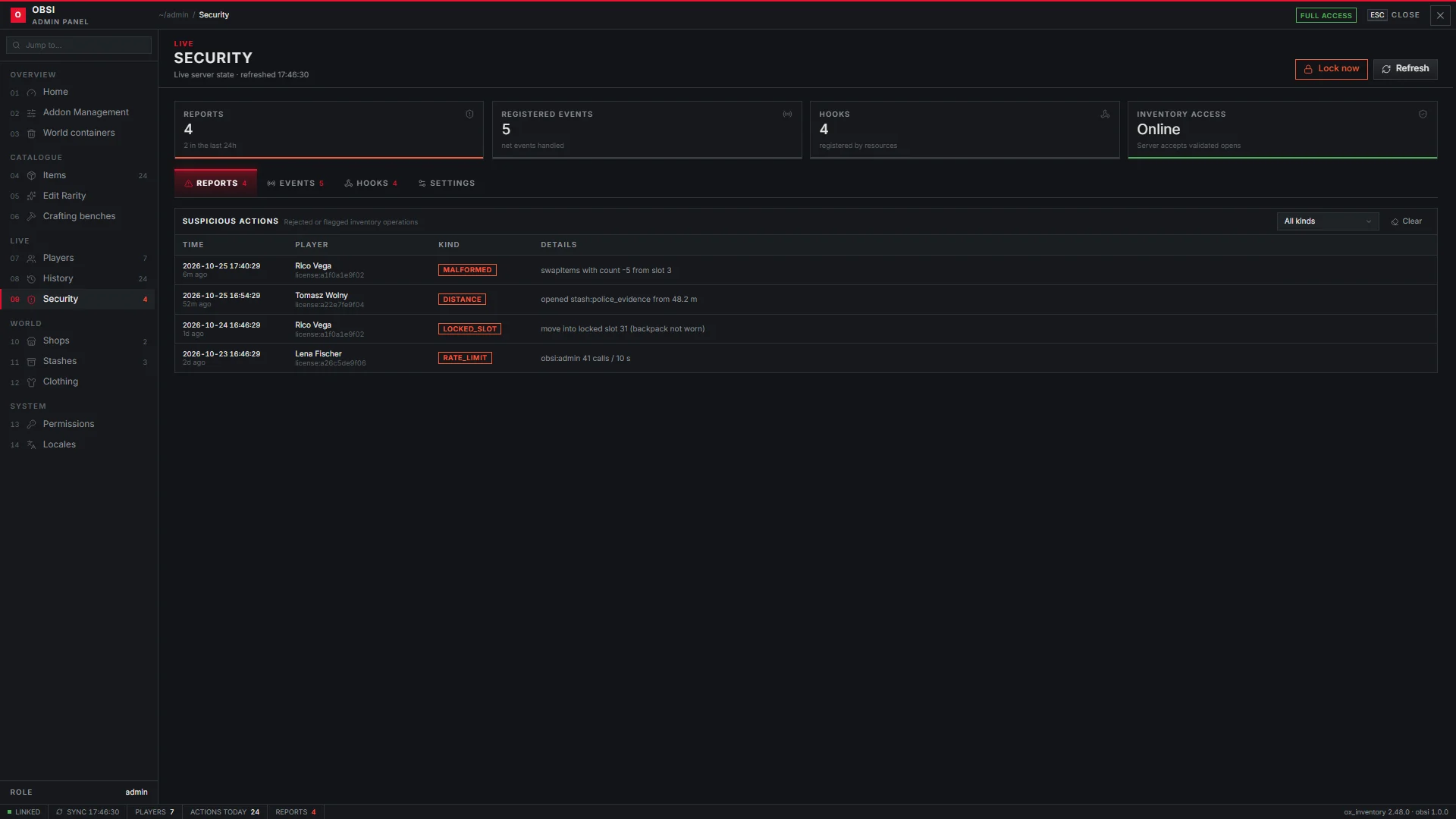
Security
Suspicious actions reported by the server: malformed requests, moves into locked slots, opening or dropping from too far away and other exploit attempts. The page also lists registered hooks and events, and holds the emergency lock, which blocks every inventory from opening until you lift it.
Shops, Stashes, World containers
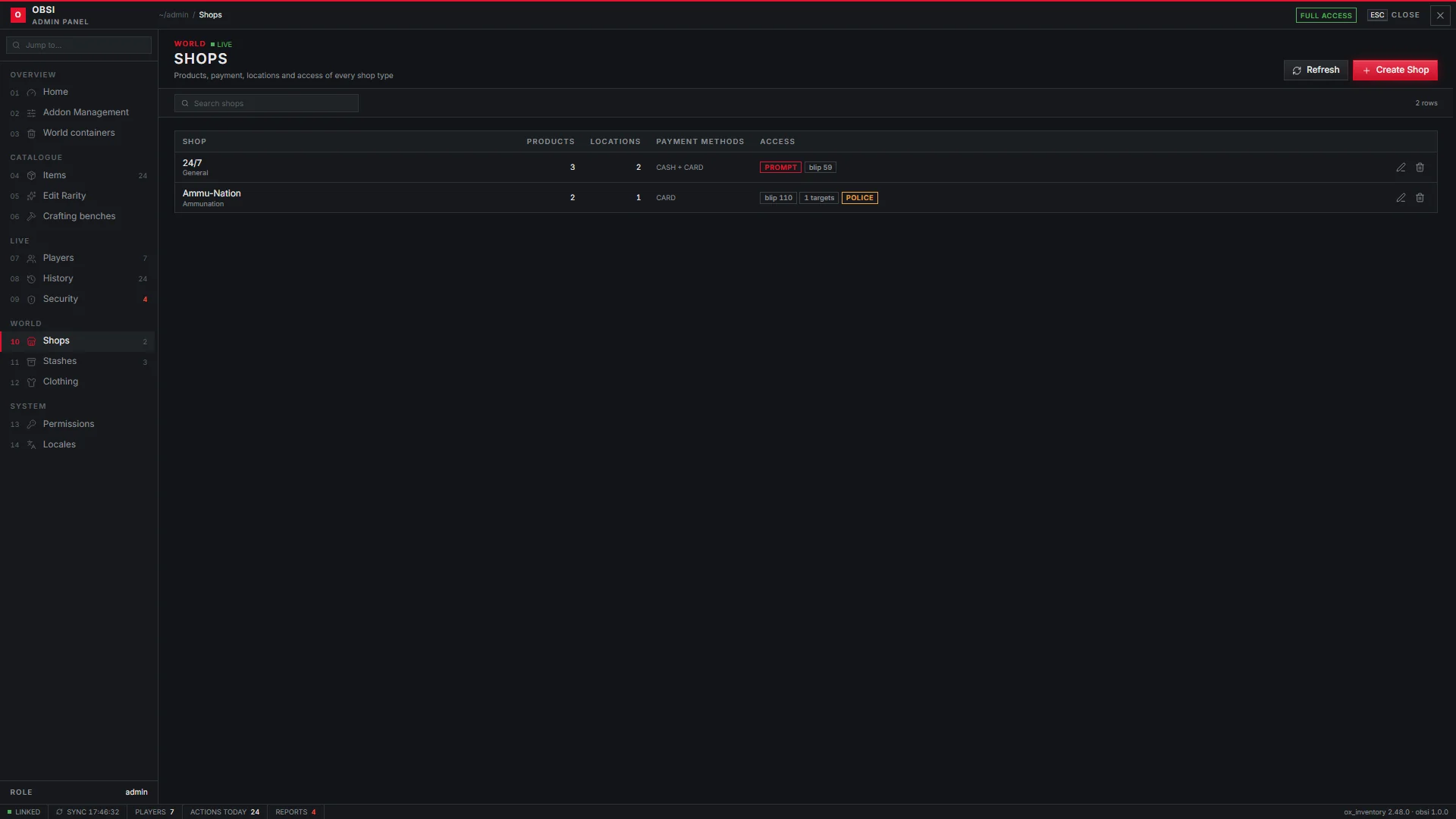
Create and edit shops (products, payment, locations, blips, access) and stashes (slots, weight, owner, groups). World containers controls dumpsters and trunks, including the search animation.
Clothing
Clothing settings and the clothing slots.
Permissions
Roles and staff; see Permissions.
Locales
Every string of the inventory, editable live. Import and export a whole language as JSON.